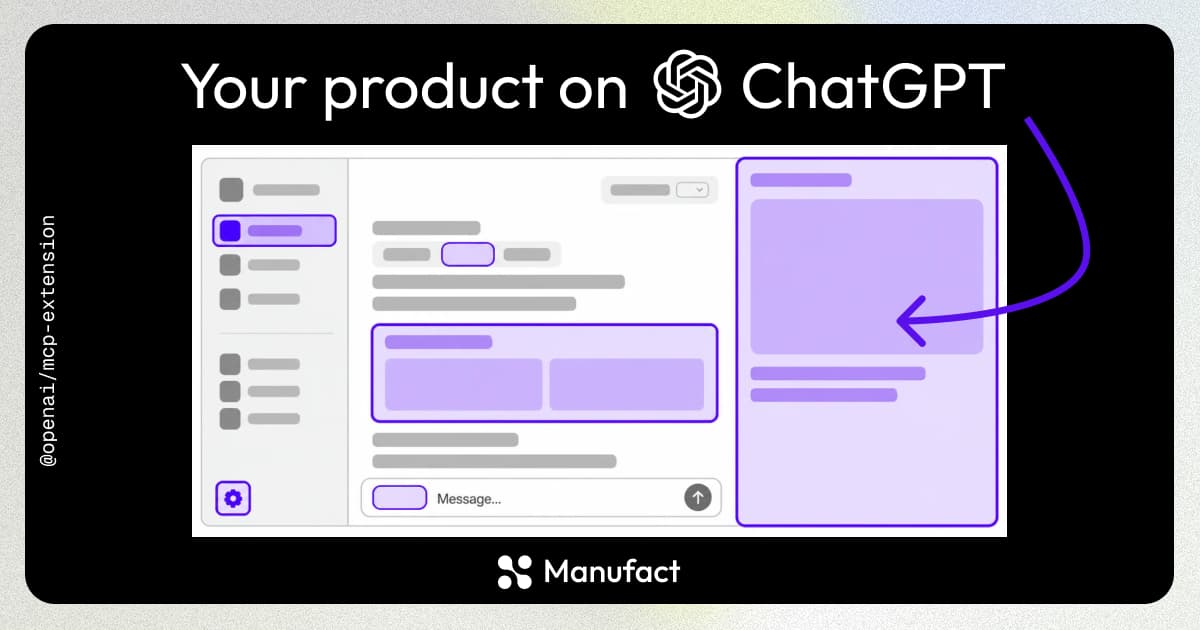

OpenAI is bringing Codex and ChatGPT together onto one platform, and MCP sits at the center of both. ChatGPT apps are now plugins, the old app directory is the plugin directory, and the same plugins work in Codex. Submit one MCP server and it reaches ChatGPT, ChatGPT Work, and Codex.

What is a plugin?
A plugin is an MCP server plus skills: MCP only, skills only, or both. If you already published a ChatGPT app, you do not need to do anything. It has been migrated into the plugin directory automatically.

The core of your integration is still an MCP server. MCP won again. Every platform shift in the last year has converged on it, and OpenAI just doubled down.
One-click install in Codex
Codex now has its own plugin directory on the same catalog. Browse it, hit Install, and the MCP server is wired into your coding agent with no config file to edit or endpoint to paste. Installing a server by hand used to mean editing a config file and pointing it at the right command or URL, which is what held MCP back for non-developers.
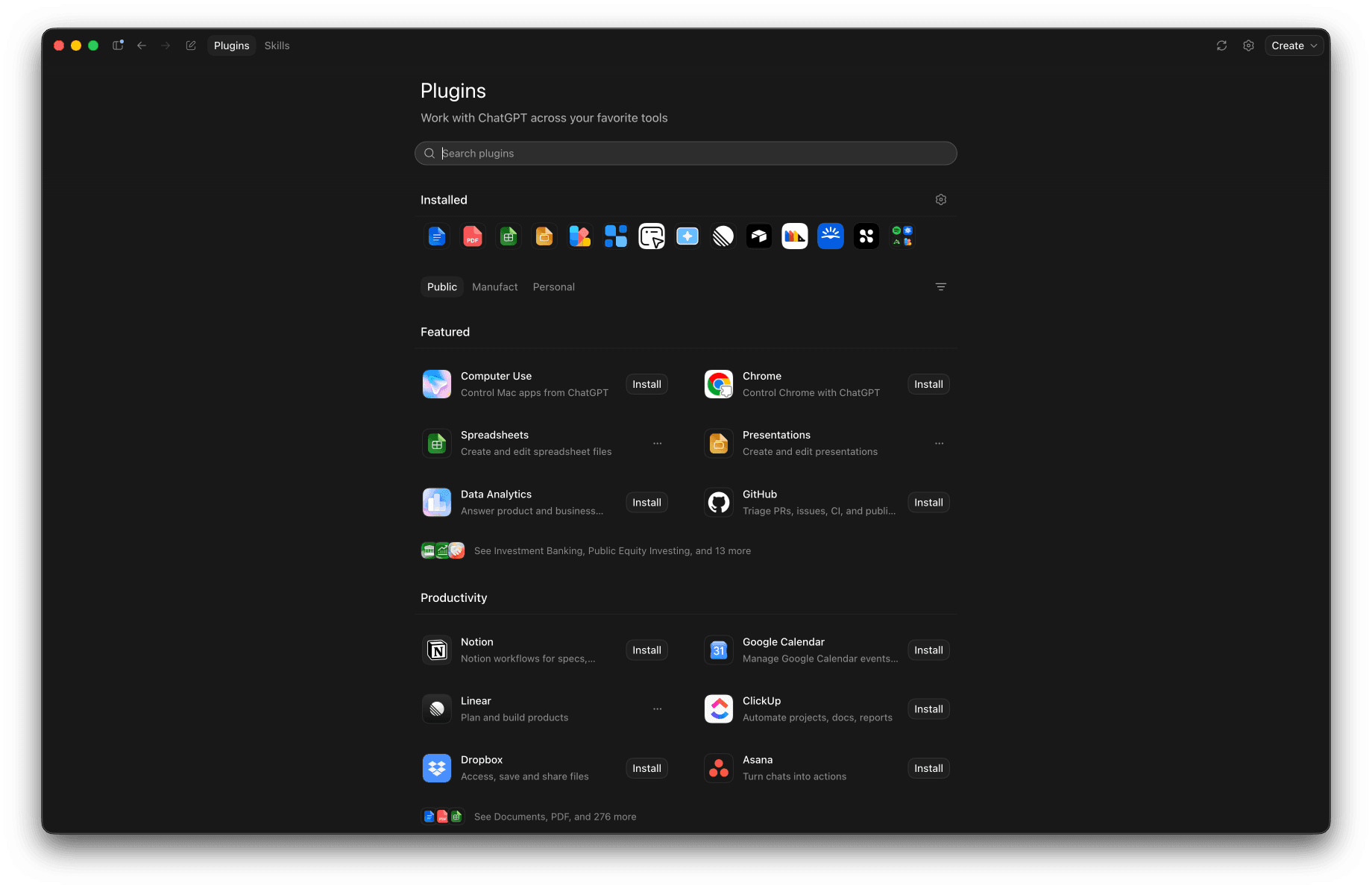
Here is a short demo installing the Manufact plugin from the directory:
Codex and ChatGPT Work are much better MCP clients
The new desktop app renders MCP Apps, servers whose tools return UI instead of plain text, inline in the conversation. This is the same MCP Apps capability that became an official part of the protocol earlier this year. If you want the background, we wrote it up in What Are MCP Apps?.
Authentication also moved server-side. Sign in once and the connection carries across ChatGPT, ChatGPT Work, and Codex, instead of managing tokens in a local config. Client-side auth was a real pain point in the earlier Codex implementation.
Publish your MCP across OpenAI's products
Submit once at platform.openai.com/plugins and your MCP is available across ChatGPT, ChatGPT Work, and Codex. The submission process is much the same as before, which we covered in Publishing an MCP App on ChatGPT. The main change is that you can now optionally bundle skills alongside your server.
Your plugin's quality is judged on the MCP server behind it. It has to be publicly reachable, pass OpenAI's automated tool scan, survive the review test cases, and stay up in production. That is real infrastructure work with nothing to do with your product.
This is what we built Manufact for, and OpenAI's Apps SDK docs list it as the first deployment option for ChatGPT apps. Build your server with mcp-use, which generates ChatGPT-compatible MCP Apps metadata and ships a local inspector for testing tools and widgets before you submit. Deploy to Manufact Cloud and walk into the submission portal with a production URL that passes the scan on the first try. Teams like Facile.it and Meilleurtaux already run their MCP infrastructure this way.