MCP Apps let agents go beyond text-only responses. They replace walls of text with rich interfaces people can use alongside their agent. That shift reshapes what an agent interface can be.
There is a catch. These apps are interactive for people but not yet for agents. For example, a user can pan a map or move an item on a canvas but the agent cannot make those changes to the view itself. To work around this limitation, most apps render a new View in the chat.
To show off this new feature, I decided to improve an existing MCP app. The Excalidraw app made waves at launch by giving your agent it's own canvas. The issue is that it couldn't reuse that same canvas.
Check out the code for both repos here!
The Excalidraw App
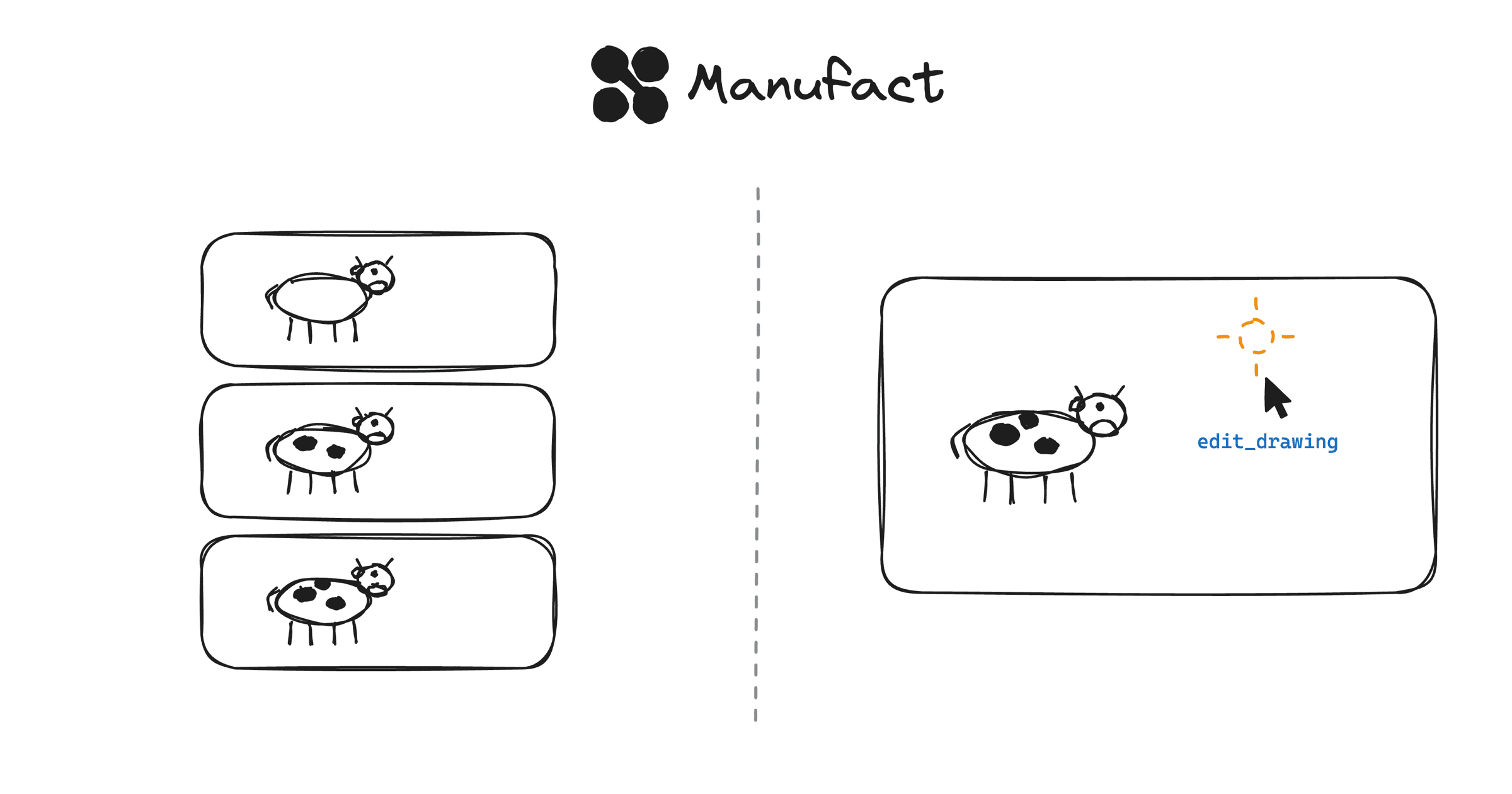
The official Excalidraw app allows your agent to easily create drawings or diagrams. But on follow-ups, it renders a new view from the saved state causing your thread to be filled up with replacement canvases.
Introducing View Tools
View tools solve this problem. A mounted View can declare it's own tools which allow the agent to interact directly within the Views themselves.
You define your tools and logic directly in your View code. Then, the View advertises a tools.listChanged property.
{
  method: "ui/initialize",
  params: {
    appCapabilities: {
      tools: {
        listChanged: true
      }
    }
  }
}
This capability tells the host that the app supports View tools. When it's sent, the View then sends over a notifications/tools/list_changed and adds the tools to the model's context.
Now the model can call the tool like any other, except this time, it gets routed directly to the View rather than the MCP Host itself.
Improved Excalidraw: edit the mounted canvas
So, what does this look like in practice? I ported the Excalidraw app to mcp-use v2 which supports View tools.
The app declares a View tool called "edit_drawing" which lets the model is now able to edit the same canvas without starting over.
View tools unlock a new era of agentic interfaces. Interfaces are now able to adapt on the fly directly to your needs.
Try it now with mcp-use v2 as well as our new mcp-use inspector!