MCP Events is an optional extension to the Model Context Protocol (MCP) that lets an AI client subscribe to changes in another system. Instead of asking “Is the preview ready?” every few minutes, you could ask “Tell me when my teammate’s preview is ready.” The MCP server can then send an event to your agent. The event can wake the agent so it can act on what changed.
Anthropic introduced MCP as “a new standard for connecting AI assistants to the systems where data lives.” That describes the original protocol. The MCP Events overview explains the starting point: “MCP is request-driven: a user or a model asks, and a server answers.” The Events extension adds a way to subscribe to future changes.
How an MCP event works
Say your teammate is pushing a fix. You need to know when there’s a preview to review, but you didn’t start the deployment yourself.
- The client subscribes. It finds out which events the server offers and which filters it supports. For a deployment event, that could mean asking for updates only from one repo or branch.
- The server delivers an event. The preview becomes ready. The server can send just enough to identify what changed, such as the deployment ID.
- The agent checks the details. If the client starts an agent run in response, the agent can use a regular MCP tool to check the current status and share the preview link. It can do that without merging anything or touching production.
When to use MCP Events or MCP Tasks
Use MCP Events for changes outside the current request, like a teammate opening a pull request or a ticket being assigned to your team. Use MCP Tasks when your client starts a long-running operation and needs to retrieve its result later, like exporting a large dataset.
Are MCP events just webhooks?
A webhook is one way to deliver an MCP event. The MCP Events specification defines three modes:
| Mode | What happens |
|---|---|
| Poll | The client checks for new events at intervals. |
| Push | The client keeps a connection open and the server sends events over it. |
| Webhook | The server sends a signed HTTP request to a callback URL, without needing the client to keep a connection open. |
The server and client need to share a delivery mode. Polling still fits the extension: the client asks for new events in a subscription rather than looking up the object’s current status every time.
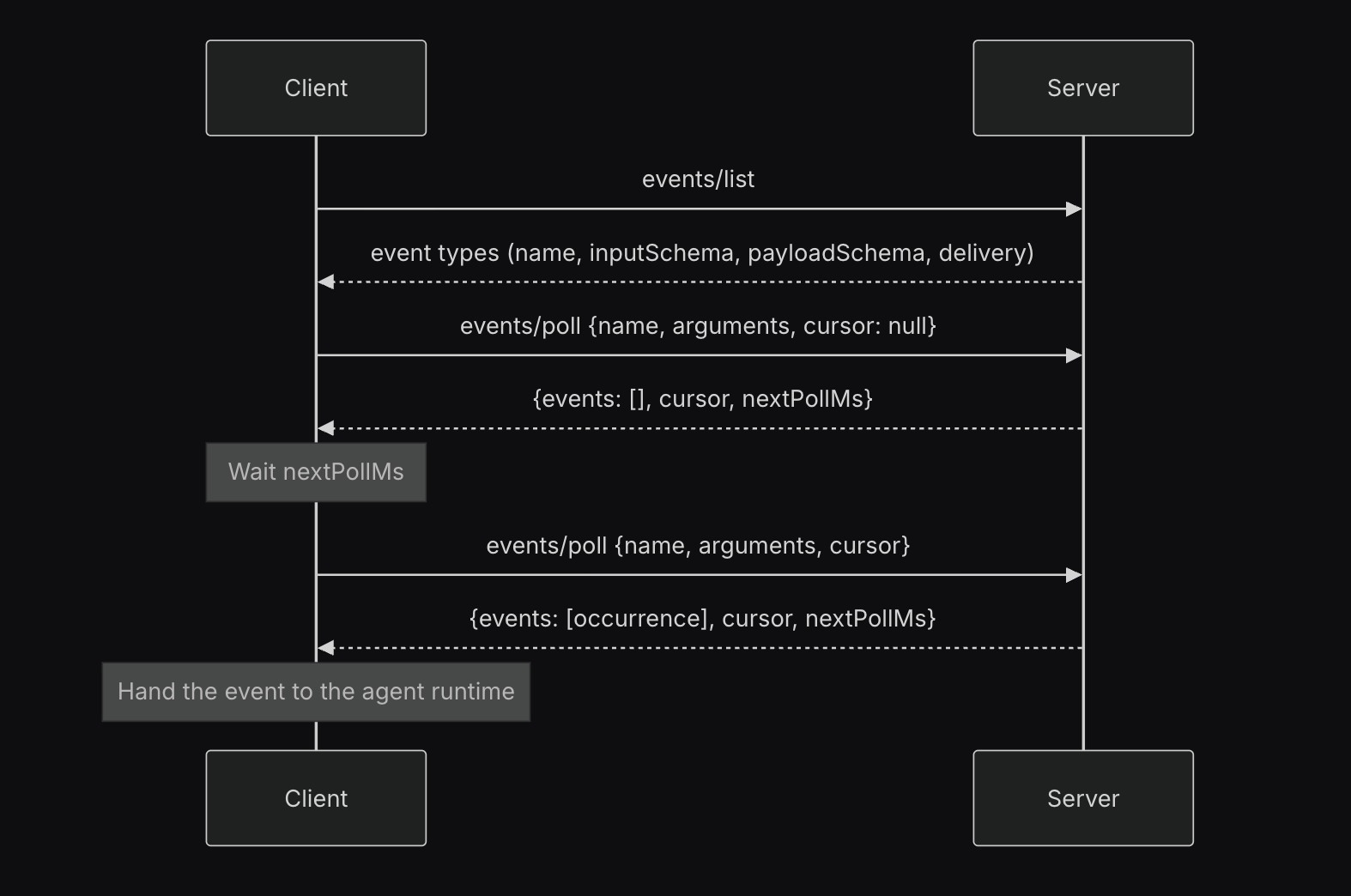
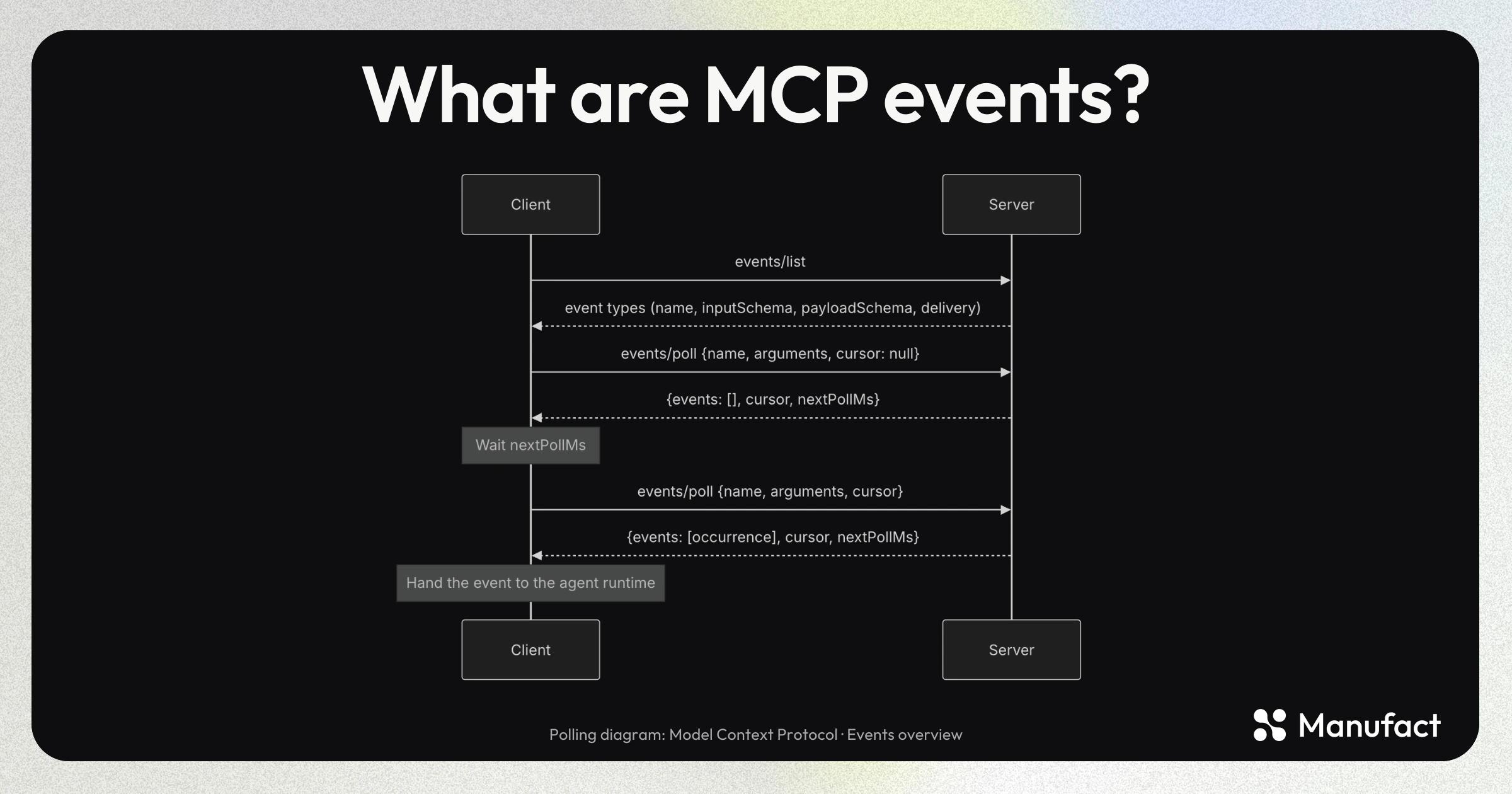
Polling diagram from the official MCP Events overview, also used on the cover.
An event might arrive more than once. Use the event ID to recognize a repeat, and fetch the current state before taking action. A preview that was ready when the event fired may no longer be the latest one. Receiving the event doesn’t give the agent permission to change anything.
How to check a preview deployment today
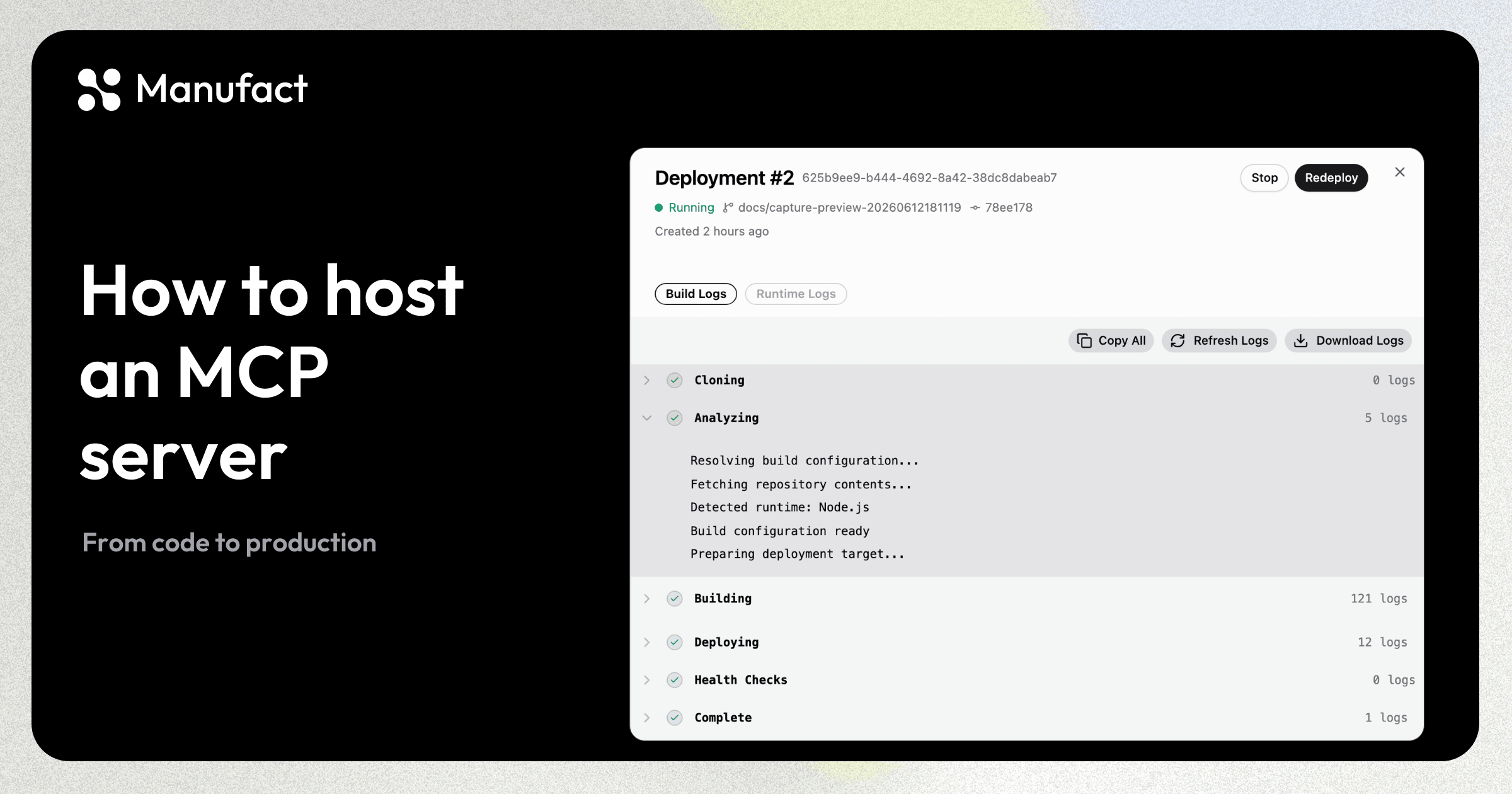
Today you can ask the Manufact MCP server whether a preview is ready. Its deployment tools let an authorized client look up status and inspect logs. Teams can also use Manufact Publishing Checks in CI to put the results on a GitHub pull request after a preview deploy.
MCP Events FAQ
Does ChatGPT support MCP Events?
Yes. OpenAI’s MCP Events guide lists support in Work chats on ChatGPT web, in desktop Work chats with Cloud selected, and with dots. ChatGPT uses webhook delivery for MCP Events.
Can a client recover events it missed while offline?
Only if the server offers replay and still has the events. If there’s a gap you can’t replay, use a regular tool to check the current state. For the preview example, look up the latest deployment on the branch.