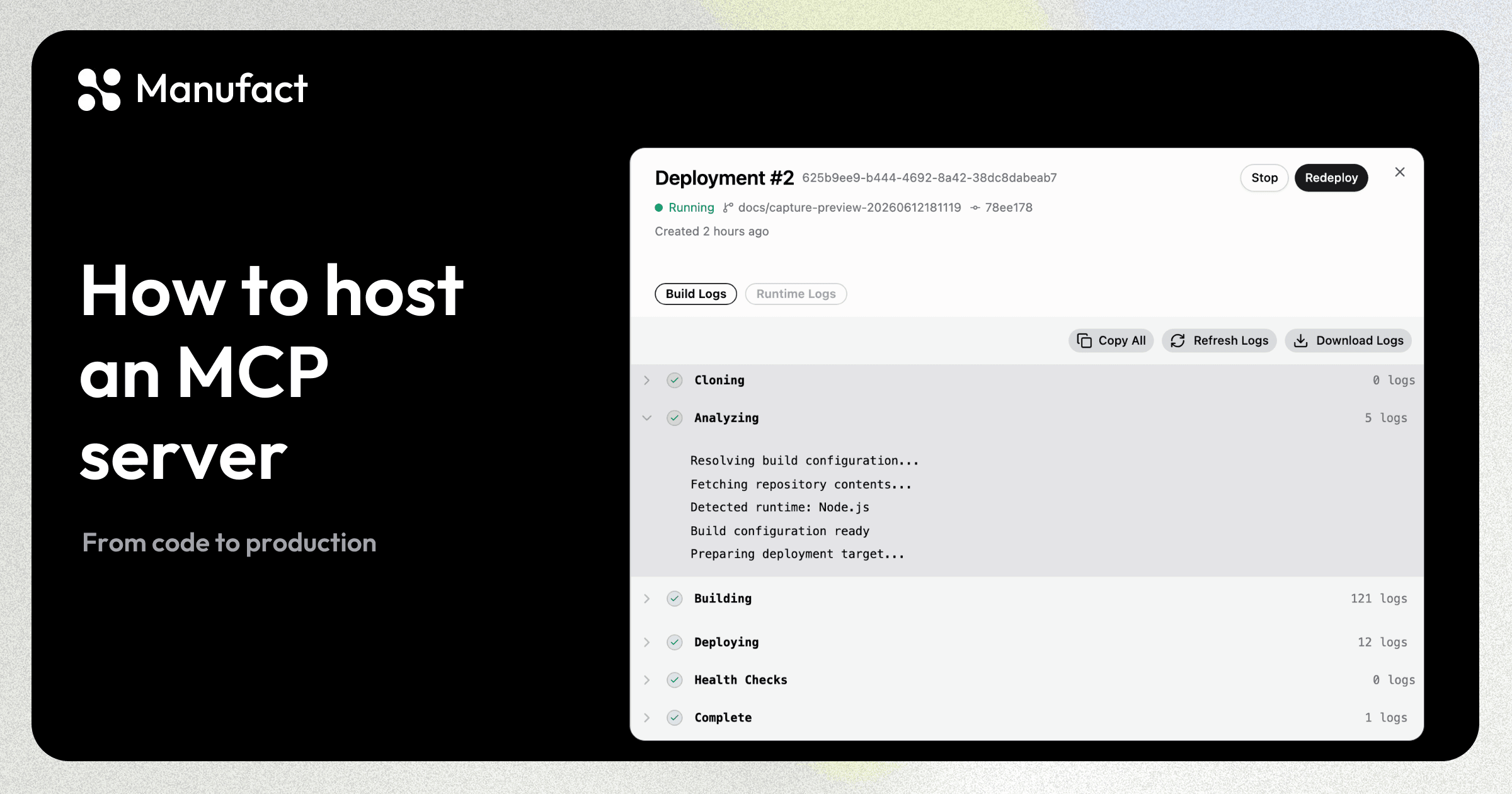
To host your MCP server remotely, deploy it to an environment that can run your server process and expose an HTTPS endpoint. Configure authentication and environment variables, then connect the clients you intend to support. You can use managed hosting or your existing infrastructure.
A reachable endpoint is the first check. You also need to test whether clients can call your tools correctly and render any MCP App UI. After launch, monitor tool errors and latency so you can investigate failures in real sessions.
The workflow below uses Manufact for GitHub deployments and branch previews, then adds post-deployment publishing checks and per-tool analytics. If you already have hosting, you can keep it and connect your endpoint to Manufact's testing and publishing tools. Our build-vs-buy guide covers the broader infrastructure ownership decision.
Deploy from GitHub and test a branch before merging
Open Servers → New Server, connect your repository through the GitHub App, and review the production branch, environment variables, region and root directory. Framework presets supply build and start-command defaults. Use a Dockerfile for a custom build. The server creation guide covers the settings.
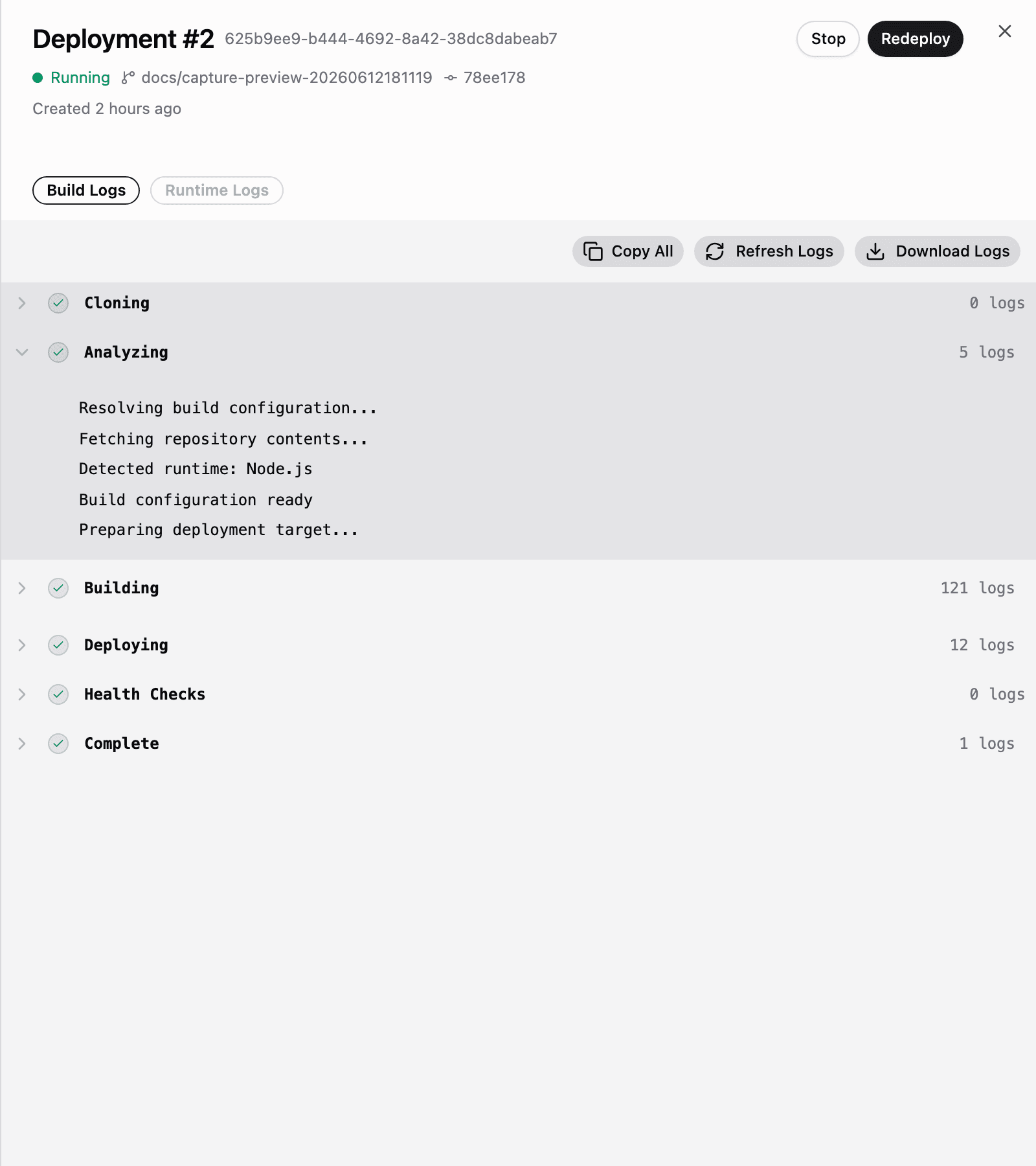
The deployment moves through cloning, analysis, build, deployment and health checks. In Deployments, you can follow the steps live, then open the deployment drawer to read build or runtime logs. The history ties each deployment to its branch and source commit.
Pushes to your production branch trigger deployments. Configure a branch allow list to control which other branches deploy, and watch paths to avoid unrelated monorepo changes triggering a build. Wait for CI holds deployment until your GitHub checks pass.
Each preview branch gets its own MCP URL. Point a real client at that URL to test a schema change or app update before merging. The environment selector switches the displayed URL, logs and environment variables with the selected branch. Preview deployments are included on all current plans.
You can also trigger a deployment manually, redeploy a revision or use Set as Active to switch traffic to a specific deployment. During production replacement, Manufact routes new requests to the healthy replacement before signaling the previous process to shut down. Your application still needs to handle that signal and finish or safely interrupt in-flight work. See the deployment controls.
The seven-framework field report shows concrete port, dependency and build-command mismatches encountered during deployment. Check current framework docs before copying a configuration.
Run publishing checks after each deployment
On a hosted server, enable Settings → Checklist automation → Run automatically. Choose production only, all deployed branches or selected branch patterns. Manufact then starts the publishing checklist after a successful deployment is live and routed.
Manufact's publishing checks audit initialization behavior, tool schemas, error handling and metadata quality. Premium publishing checks can also exercise tool calls and widget rendering in live ChatGPT and Claude, alongside policy review. They use the same billing as manual checks; hosting does not make every check free.
You can see the latest completed checklist score beside each deployment. With Report publishing checks to GitHub enabled, an automatic run also adds a check to the exact deployed commit and updates one report on the open pull request when that commit is still its current head. The report links to the full findings, including required fixes and policy concerns.
If a required technical check fails for a client, the GitHub check can report failure. Incomplete checks or policy concerns can report a neutral result that needs review.
These are post-deployment checks, not a deployment gate. A failed or incomplete checklist does not undo a successful deployment or stop its traffic. Use preview branches to review changes before production, and configure your release process accordingly. The publishing-checks documentation explains automation and GitHub reporting.
Test your product's actual tasks across clients
A protocol checklist cannot tell you whether an agent completes your product's task. In Testing, write a representative task, passing criteria and any tool assertions, then run the suite against the clients you support.
Manufact supports Inspector, ChatGPT, Claude, Claude Code, Codex CLI and Pi. Browser-capable runs can capture the rendered MCP App; coding-agent runs test tool use without rendering app UI. Add specific UI requirements to the rubric when the screen matters. A passing CLI run does not prove the UI works.
Read the report alongside the tool-call sequence and captured conversation. You can inspect arguments and results to distinguish a task that succeeded after retries from one that worked cleanly. If the evidence cannot establish an outcome, a run can be inconclusive.
These suites are separate from automatic post-deployment publishing checks. Run them against your preview before merging; do not assume enabling checklist automation schedules every suite. See cross-client testing and the test-suite guide.
Benefits of hosting on Manufact
-
Review each release with deployment-linked checks. Hosting connects your source commit, branch environment and publishing report. Enable automatic checks for the branches you ship, then review findings beside the deployment or on GitHub. Publishing checks identify protocol, tool-schema and policy issues with fix guidance before you submit to a marketplace. Checks run after deployment, and marketplace approval remains the marketplace's decision.
-
Test changes without sending production traffic to them. Each preview branch has its own MCP URL, logs and environment variables. Connect your target clients to that URL and run representative tasks before merging. Preview deployments are included on all current plans. Start with a branch deployment on Manufact, then use its results to decide whether the change is ready for production.
-
See tool adoption without adding an analytics SDK. Manufact measures requests through your server's gateway URL. The Analytics tab shows tool calls, sessions, request error rate and average latency for the selected period. Break usage down by tool, resource or prompt, then open the sessions behind an aggregate to understand what callers actually used.
-
Find slow tools and errors that HTTP status alone misses. The per-tool health table separates request errors from tool result errors, so a successful request does not hide a failed tool response. Estimated p50, p95 and p99 latency, plus a p95 trend, help you spot slow tails. Expand the tool to inspect affected sessions instead of investigating from a server-wide average.
-
Pinpoint client-specific failures. Compare calls, errors and latency by client, version or protocol, then follow the links to matching sessions. The session timeline shows methods, errors and available request/response detail. Enable Capture payloads for stored bodies and richer context after reviewing your data-handling requirements, since arguments and results can contain customer data.
-
Understand repeat usage across sessions. The Users view connects account and token identities to their sessions, helping you investigate how an account uses your server over time. These identities are not guaranteed to be unique people. Identify actors is a separate opt-in for available names and emails; labels are not proof of identity. Your application still controls which records each caller may access.
-
Prioritize recurring failures and inspect task outcomes. Issues groups tool errors, JSON-RPC errors and transport failures with occurrence counts and affected sessions. Goals shows inferred achieved, failed and unknown outcomes, which you can review or override against session evidence. You can move from a recurring error to the exchanges behind it, then check whether the task succeeded. The analytics guide covers these views and capture controls.
-
Keep hosting, testing and publishing in one release workflow. Manufact combines repository deployments and branch environments with post-deployment checks and gateway analytics. You can start with testing and publishing checks on an existing endpoint before moving hosting. Direct connections keep your client URL; the optional proxy adds gateway analytics without moving your code. External connections do not create hosted deployments, previews or runtime logs.
-
Choose the checks and infrastructure settings your workload needs. Scope automatic checks to production or selected branches, and configure warm-server settings and regions where your plan supports them. Budget for builds, tool calls, bandwidth and enabled checks: automatic publishing runs use manual-check billing, cross-client evals have their own charges, and analytics retention varies by plan. Review your organization's billing settings before scaling usage.