The Inspector proves that a particular endpoint can complete the MCP operations you tested. ChatGPT or Claude adds a real client connection, account authorization, model tool selection, and sometimes an app UI. A pass in Inspector does not test all of those steps. Find the first step where the client run differs before changing the server.
Reproduce the same task in both places
Use the same deployed endpoint, account, permissions, data, and expected tool call. Record the Inspector result and the client result. If one test uses a local build and the other a remote deployment, you may be debugging different versions.
Start with a small matrix:
| What you see in the client | First check | Likely next place to look |
|---|---|---|
| Cannot connect or list tools | Endpoint URL and reachability | Transport, initialization, auth challenge |
| Lists tools but never calls the right one | Tool names, descriptions, and prompt | Overlapping tools or missing routing detail |
| Calls a tool but gets an auth error | User identity and scopes | Token validation and client auth flow |
| Calls the tool but the answer is wrong | Arguments and returned content | Schema clarity, result shape, model interpretation |
| Tool works but app UI breaks | Rendered host and UI state | Host-specific layout and capability handling |
The existing Manufact client test guide provides a reusable test matrix. This page focuses on what to inspect after one row fails.
Check whether the client reached the same server
Compare the exact endpoint configured in Inspector with the URL configured in ChatGPT or Claude. Verify that both see the same tool list. After a schema or description change, reconnect the client and inspect the list again. Do not assume a client has refreshed its cached view.
If the client cannot connect, reproduce the handshake with the mcp-use Inspector or the official MCP Inspector against the deployed URL, not a local substitute. Check initialization and tools/list before debugging model behavior. If authentication is involved, compare an unauthenticated request with a signed-in request.
Separate authorization failure from tool failure
A tool can appear in the list yet require sign-in when called. Check whether the client received an authorization challenge, completed sign-in, and sent a token with the right audience and scopes. Then check the server's own permission decision. A successful client sign-in does not replace server-side authorization.
Client-specific challenge behavior matters. Manufact's mixed-authentication walkthrough shows a concrete mcp-use implementation for ChatGPT and Claude, including the different challenge surfaces it handles. Use that example as a debugging reference for the library version it covers; verify current client behavior in your own test environment.
Inspect the actual tool call
If the client connects and has permission, compare the call it made with the call that passed in Inspector. Look at the chosen tool, arguments, result, and final answer. A valid server response can still leave the model without the information needed to finish the user's task. Rename or rewrite ambiguous tool descriptions only after the trace shows a selection problem.
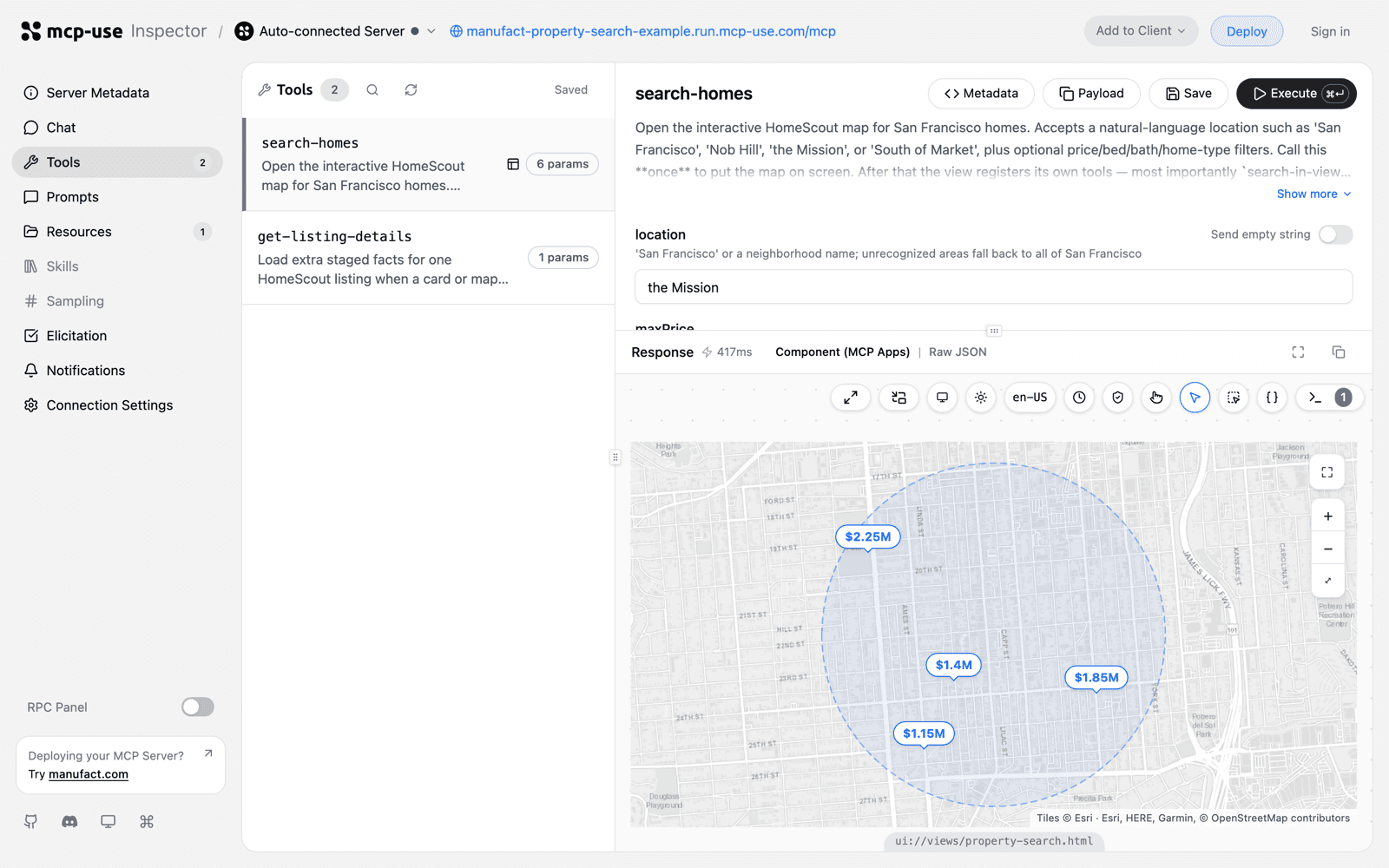
search-homes call in the mcp-use Inspector.For a repeatable check, run the same task in the clients you ship and save the execution trace. Manufact test suites can run tasks in ChatGPT, Claude, Inspector, and coding agents, then report tool use and outcomes. Keep a deterministic assertion for the expected tool or result alongside any model-based judgment.
Check the UI in the actual host
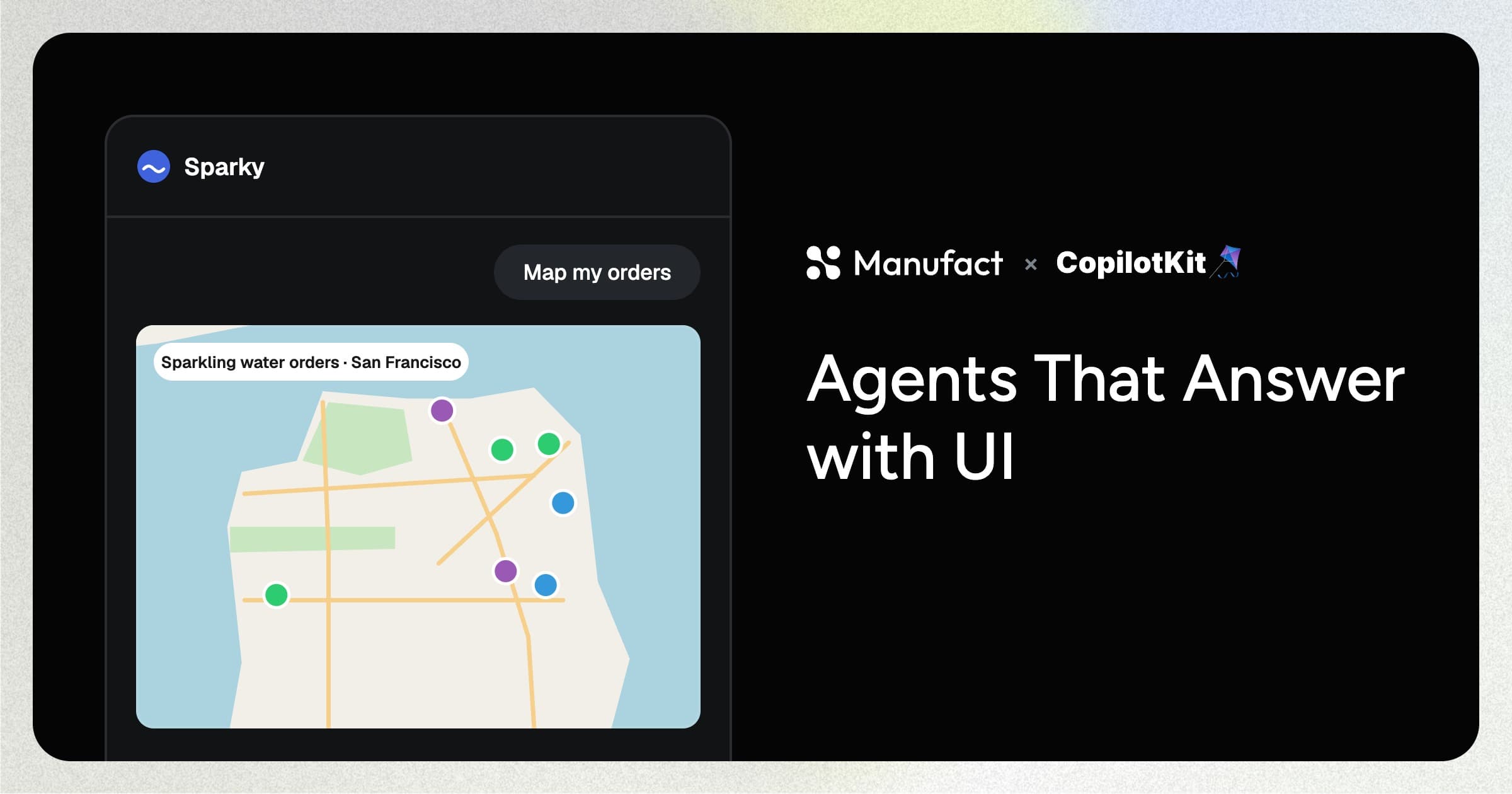
If your server returns an MCP App, a successful tool response does not prove its interface renders correctly. Test loading, errors, interaction, and narrow layouts in each supported host. Capture a screenshot from ChatGPT or Claude when reporting a UI bug. Inspector remains useful for protocol debugging, while the host run shows what the user saw.
FAQ
Can I fix this by changing the MCP transport?
Only if the failure occurs during connection or protocol exchange. If the client lists tools and makes calls, inspect authorization, arguments, responses, and rendering first. Use the observed failure stage to choose the fix.
Why does the tool appear in the client but never run?
The client may see a valid tool that the model does not choose for the user's request. Compare its name and description with nearby tools, then test a direct prompt and an ambiguous prompt. Save the observed calls before editing the schema.
Should I keep the Inspector test once the client works?
Yes. A deterministic Inspector or protocol check catches broken discovery and tool responses quickly. Pair it with real-client tests for tool choice, auth flow, and UI behavior.
Run one failing task through the client test matrix, then use the first divergent step to guide the fix.