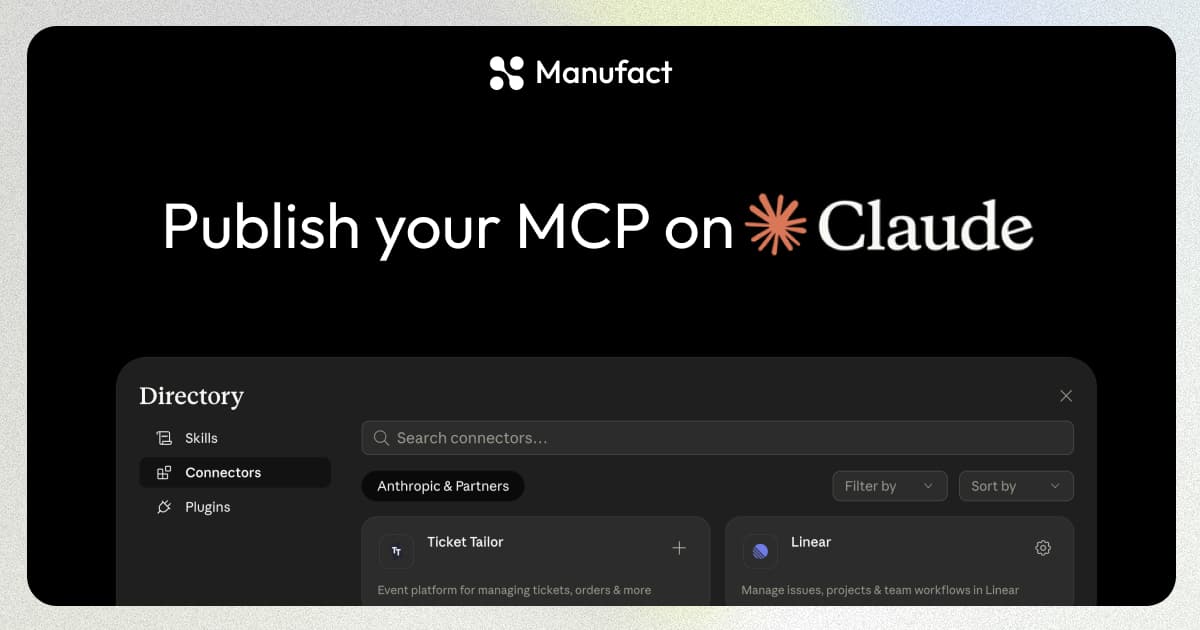
Anthropic's Connectors Directory is the catalog of MCP integrations available in Claude. Remote MCP server submissions now happen in the Claude.ai organization admin portal.
This guide focuses on remote MCP servers. Anthropic's official submission documentation is the source of truth for current requirements and portal behavior.
Before You Start
Before submitting, have the following ready:
A Team or Enterprise Claude organization with directory-management access.
A remote MCP server available through a public HTTPS endpoint.
Your listing details, public documentation, privacy policy, icon, and authentication instructions.
A test account if reviewers need to authenticate and use your tools.
By submitting, you agree to Anthropic's Software Directory Policy and Software Directory Terms linked from the official submission documentation above. Submission is a review request, not a guarantee of inclusion.
Submit Your MCP Server
Open the Claude Connectors Directory submission portal while signed into the organization that will own the listing. Add the MCP endpoint, listing information, authentication details, policy answers, and any requested review access. Review the submission and send it when the portal reports that all required fields are complete.
Common Blockers
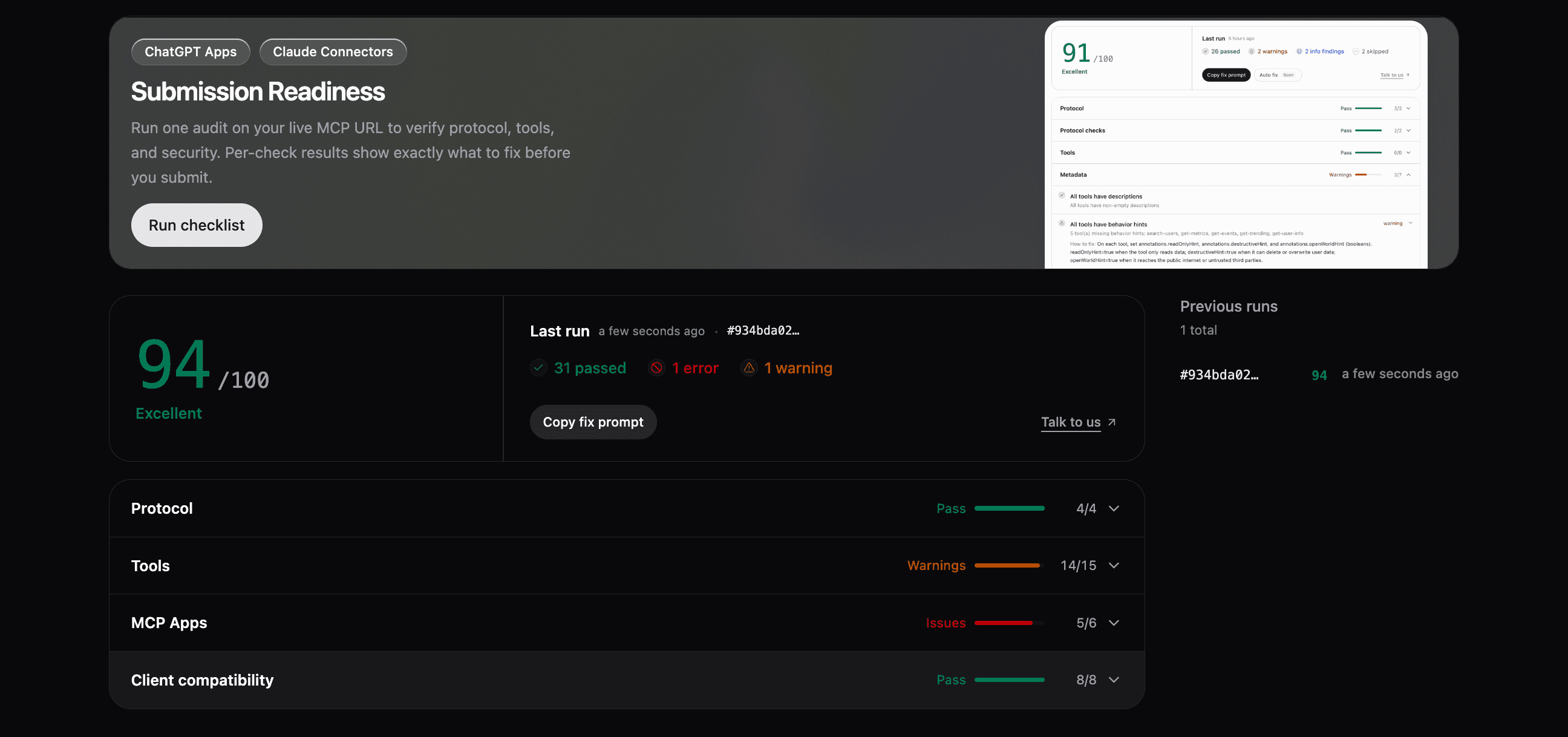
Run Manufact Publishing Checks against your live MCP URL before submitting. The audit checks protocol behavior, tools, MCP App requirements, metadata, and client compatibility. Each failed check includes the issue to fix before resubmitting.
Review, Status, and Updates
Automated reviews run after submission. Passing these checks publishes the connector in the Community state. Its Claude listing displays a banner identifying it as a community connector.
Resubmissions also run through automated reviews. Small changes to tool names, descriptions, or arguments, as well as additional tools, update automatically after passing. Only changes that substantially alter the MCP server may require additional review.
Review time varies depending on the connector's use case. If you have questions about timing or what to expect, reach out to us.
Use the submissions portal to track the listing and submit updates.
For the broader distribution strategy, see how to distribute your MCP server across ChatGPT, Claude, Muse, Grok, and Cursor.
Get your MCP server submission-ready
We'll review your server against the current connector requirements, test its connection and tool metadata, and help you prepare the listing and reviewer account before submission.