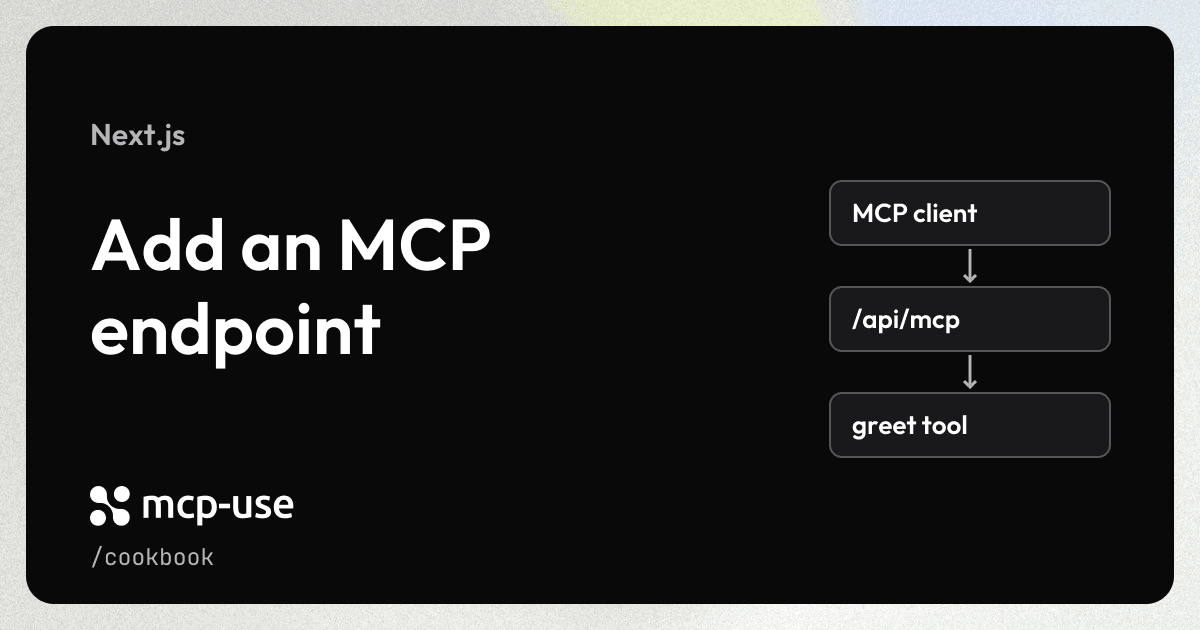
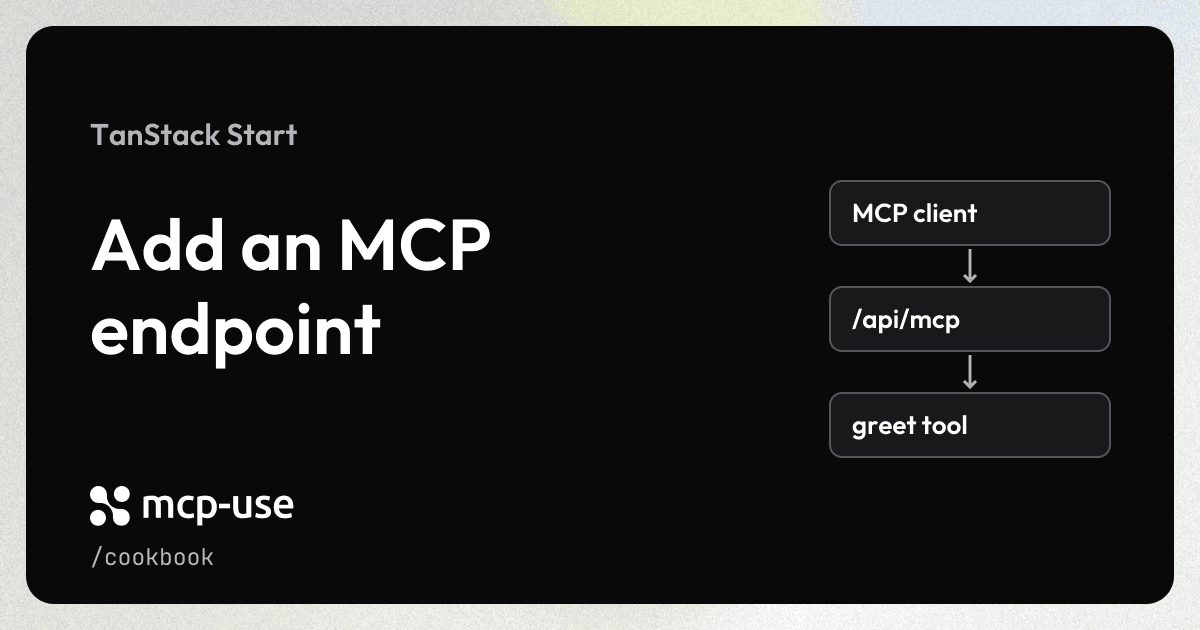
Expose a greet tool at /api/mcp in your existing TanStack Start app. TanStack Start serves your application and the MCP endpoint together.
Prerequisites
- A working TanStack Start app using React, Vite 8, and TypeScript. Upgrade apps on older Vite majors before installing mcp-use, which requires Vite
^8.0.0. - Node.js 22.22.2 or later. This recipe configures Nitro for a Node.js server deployment.
Add the integration
Install mcp-use, which includes the TanStack Start adapter, and Zod in your project:
npm install mcp-use zodIf your app does not already use Nitro 3, install the version used by the example for the Node.js server build:
npm install -D [email protected]Keep the MCP server and its handler in src/mcp. Add a catch-all server route inside your existing src/routes directory:
my-tanstack-app/
├── src/
│   ├── mcp/
│   │   ├── server.ts          # Add: define your server and tools
│   │   └── handler.server.ts  # Add: create the MCP handler
│   ├── routes/
│   │   ├── __root.tsx
│   │   ├── index.tsx
│   │   └── api.mcp.$.ts       # Add: mount the MCP endpoint
│   └── router.tsx
├── public/
├── vite.config.ts             # Update: enable the adapter
├── package.json
└── tsconfig.json
Define the server
Create src/mcp/server.ts. Register a tool that accepts a name and returns a greeting:
import { MCPServer } from "mcp-use";
import { z } from "zod";

const server = new MCPServer({
  name: "my-tanstack-app",
  version: "1.0.0",
  basePath: "/api/mcp",
  cors: {
    origin: "*",
    methods: ["GET", "HEAD", "POST", "DELETE", "OPTIONS"],
    allowedHeaders: [
      "Authorization",
      "Content-Type",
      "Accept",
      "Mcp-Protocol-Version",
      "Mcp-Method",
      "Mcp-Name",
      "Mcp-Session-Id",
      "Last-Event-ID",
    ],
  },
});

server.tool(
  {
    name: "greet",
    description: "Greet a person.",
    inputSchema: z.object({ name: z.string() }),
  },
  async ({ name }) => ({
    content: [{ type: "text", text: `Hello, ${name}!` }],
  }),
);

export default server;
TanStack Start owns the HTTP listener, so do not call server.listen(). Configure CORS on MCPServer to allow browser clients such as the Inspector to connect.
Configure the adapter
Add mcpUseTanStackStart before the Start and React plugins in your existing Vite configuration. Keep your application's other options and plugins:
import { defineConfig } from "vite";
import { tanstackStart } from "@tanstack/react-start/plugin/vite";
import react from "@vitejs/plugin-react";
import { nitro } from "nitro/vite";
import { mcpUseTanStackStart } from "mcp-use/tanstack-start/vite";

export default defineConfig({
  plugins: [
    mcpUseTanStackStart({
      entry: "./src/mcp/server.ts",
      basePath: "/api/mcp",
    }),
    tanstackStart(),
    nitro({ preset: "node-server" }),
    react(),
  ],
});
The plugin's basePath must match the one on MCPServer.
Mount the endpoint
Create the handler in src/mcp/handler.server.ts. The Vite plugin loads the authored server in its dedicated MCP environment, so this route module does not import server.ts:
import { createTanStackStartHandler } from "mcp-use/tanstack-start";

export const handler = createTanStackStartHandler();
Create a catch-all server route at src/routes/api.mcp.$.ts. Forward all HTTP methods to the handler so it can serve the MCP endpoint and nested asset paths:
import { createFileRoute } from "@tanstack/react-router";
import { handler } from "../mcp/handler.server";

export const Route = createFileRoute("/api/mcp/$")({
  server: {
    handlers: { ANY: ({ request }) => handler(request) },
  },
});
Try it
Start your TanStack Start app with its usual command:
npm run devIn a second terminal, open the Inspector connected to your new endpoint:
npx @mcp-use/inspector --url http://localhost:3000/api/mcpSelect Tools → greet and enter:
{
  "name": "Ada"
}
Run the tool. It returns Hello, Ada!.
Use your app's port if it differs from 3000. MCP views share the application's browser environment for React Fast Refresh and CSS HMR. Server edits replace the MCP instance and interrupt active requests; failed edits retain the last working instance. View registrations and skills refresh without restarting Vite. Configure React, CSS and aliases in the main Vite config.
See the complete TanStack Start example for a runnable application with a shared UI card, an OAuth discovery route, and production build instructions.
FAQ
About the cookbook, mcp-use, and Manufact Cloud.
What is the difference between mcp-use and Manufact?
mcp-use is our open-source TypeScript framework for building MCP servers and apps. Manufact is the company behind mcp-use. Manufact Cloud is our managed platform for deploying and operating MCP servers. Most cookbook recipes use mcp-use.
Do I need Manufact Cloud to use these recipes?
No. You can run mcp-use locally or host it on your own infrastructure. Follow each recipe's runtime requirements and setup instructions. Any third-party services used in a recipe may require their own accounts or API keys. Manufact Cloud is an optional hosting choice.