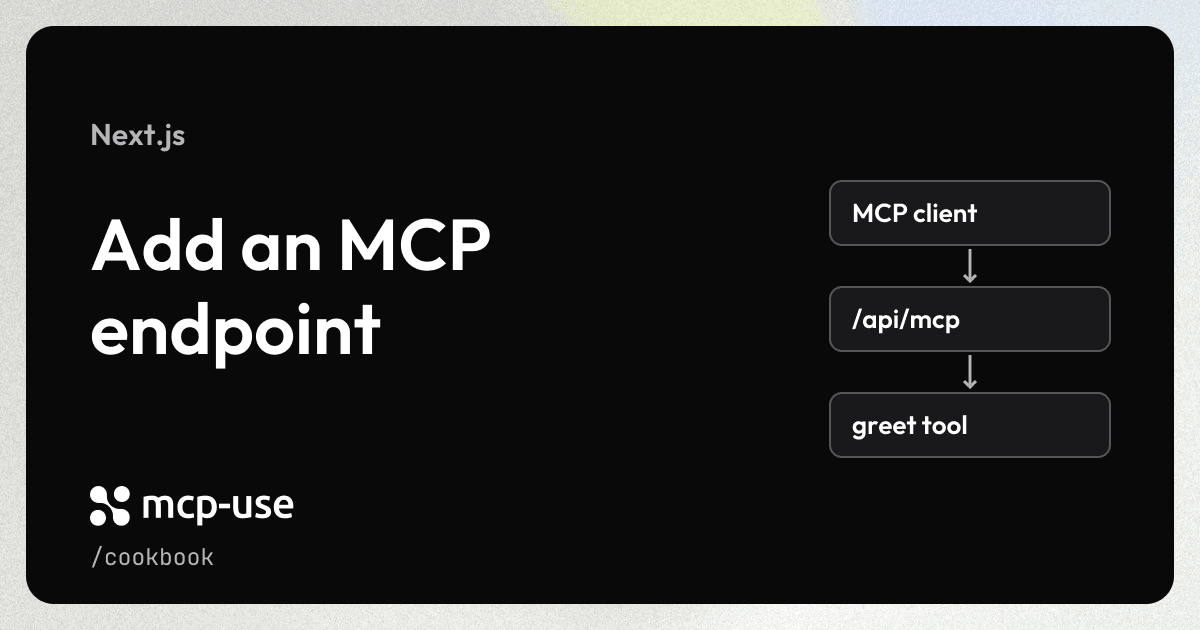
Expose a greet tool at /api/mcp in your existing Next.js app. Next.js serves your application and the MCP endpoint together.
Prerequisites
- A working Next.js app using the App Router and TypeScript.
Add the integration
Install mcp-use and Zod in your Next.js project:
npm install mcp-use zodKeep mcp-server.ts at the root of your Next.js project, alongside next.config.ts. Add the MCP route inside your existing app directory:
my-next-app/
├── app/
│   ├── api/
│   │   └── mcp/
│   │       └── [[...path]]/
│   │           └── route.ts    # Add: mount the MCP endpoint
│   ├── layout.tsx
│   └── page.tsx
├── public/
├── mcp-server.ts               # Add: define your server and tools
├── next.config.ts              # Update: enable the adapter
├── package.json
└── tsconfig.json
If your project uses src/app, the route goes inside that directory instead. Keep mcp-server.ts and next.config.ts at the project root.
Define the server
Create mcp-server.ts at the project root. Register a tool that accepts a name and returns a greeting:
import { MCPServer } from "mcp-use";
import { z } from "zod";

const server = new MCPServer({
  name: "my-next-app",
  version: "1.0.0",
  basePath: "/api/mcp",
});

server.tool(
  {
    name: "greet",
    description: "Greet a person.",
    inputSchema: z.object({ name: z.string() }),
  },
  async ({ name }) => ({
    content: [{ type: "text", text: `Hello, ${name}!` }],
  }),
);

export default server;
Configure the adapter
Wrap your existing Next.js configuration with withMcpUse. Keep your application's current options inside nextConfig:
import type { NextConfig } from "next";
import { withMcpUse } from "mcp-use/next";

const nextConfig: NextConfig = {};

export default withMcpUse(nextConfig, {
  entry: "./mcp-server.ts",
  basePath: "/api/mcp",
});
Mount the endpoint
Create an optional catch-all Route Handler at app/api/mcp/[[...path]]/route.ts:
import { createNextHandler } from "mcp-use/next";
import server from "../../../../mcp-server";

export const { GET, POST, DELETE, OPTIONS } = createNextHandler(server);
If your app uses src/app, put the route at src/app/api/mcp/[[...path]]/route.ts and use ../../../../../mcp-server to import the server from the project root.
Try it
Start your Next.js app with its usual command:
npm run devIn a second terminal, open the Inspector connected to your new endpoint:
npx @mcp-use/inspector --url http://localhost:3000/api/mcpSelect Tools → greet and enter:
{
  "name": "Ada"
}
Run the tool. It returns Hello, Ada!.
Use your app's port if it differs from 3000. Restart next dev after editing mcp-server.ts so the adapter's startup build runs again.
See the complete Next.js example for a runnable application, or the Next.js guide for shared UI views and standalone servers.
FAQ
About the cookbook, mcp-use, and Manufact Cloud.
What is the difference between mcp-use and Manufact?
mcp-use is our open-source TypeScript framework for building MCP servers and apps. Manufact is the company behind mcp-use. Manufact Cloud is our managed platform for deploying and operating MCP servers. Most cookbook recipes use mcp-use.
Do I need Manufact Cloud to use these recipes?
No. You can run mcp-use locally or host it on your own infrastructure. Follow each recipe's runtime requirements and setup instructions. Any third-party services used in a recipe may require their own accounts or API keys. Manufact Cloud is an optional hosting choice.