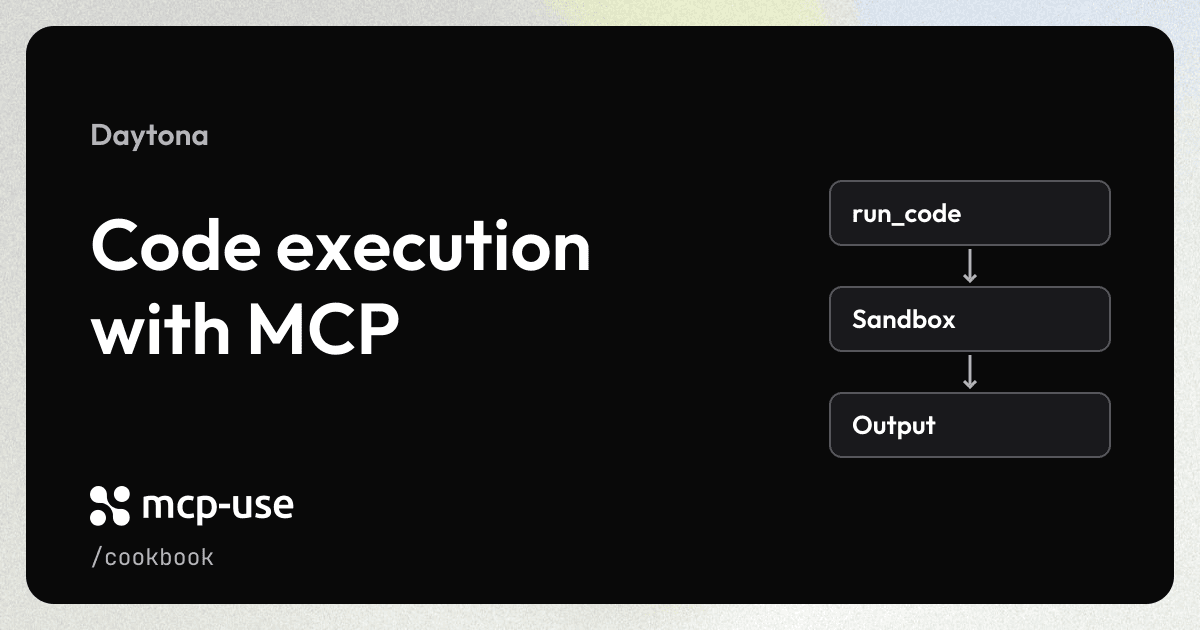
Give your existing mcp-use server a run_code tool. Each call creates a fresh Daytona sandbox, runs the code, and deletes the sandbox afterward.
Try the live example
Run code through our deployed Daytona server. Pick a suggestion or ask the chat to run your own snippet.
Open the example in a new tab.
Prerequisites
- A working mcp-use server.
- A Daytona API key.
Add the integration
Install the Daytona SDK in your server project:
npm install @daytona/[email protected]Add your key to .env:
DAYTONA_API_KEY=your_daytona_api_keyCopy this complete example into your server entry (index.ts in a project created with create-mcp-use-app), or adapt its Daytona client and run_code tool for your existing server:
import { Daytona, type Sandbox } from "@daytona/sdk";
import { MCPServer } from "mcp-use";
import { z } from "zod";

const server = new MCPServer({
  name: "daytona-example",
  version: "1.0.0",
  description:
    "Run Python, TypeScript, or JavaScript in a fresh Daytona sandbox.",
});

let daytona: Daytona | undefined;

/** Execute one code snippet and delete its isolated sandbox after the attempt. */
export const runCode = server.tool(
  {
    name: "run_code",
    description:
      "Execute Python, TypeScript, or JavaScript in a fresh Daytona sandbox. Returns output and exit code; files and state are discarded afterward.",
    inputSchema: z.object({
      code: z.string().min(1).max(100_000).describe("Source code to execute."),
      language: z
        .enum(["python", "typescript", "javascript"])
        .default("python"),
      timeoutSeconds: z.number().int().min(1).max(120).default(30),
    }),
  },
  async ({ code, language, timeoutSeconds }) => {
    if (!process.env.DAYTONA_API_KEY?.trim()) {
      return {
        isError: true,
        content: [
          {
            type: "text" as const,
            text: "Set DAYTONA_API_KEY in .env and restart the server before calling run_code.",
          },
        ],
      };
    }

    let sandbox: Sandbox | undefined;
    let output: string | undefined;
    let exitCode: number | undefined;
    let error: string | undefined;
    let cleanupError: string | undefined;
    try {
      daytona ??= new Daytona();
      // Auto-stop/delete also limits leftovers if the server exits unexpectedly.
      sandbox = await daytona.create(
        { language, autoStopInterval: 5, autoDeleteInterval: 0 },
        { timeout: 60 }
      );
      const result = await sandbox.process.codeRun(
        code,
        undefined,
        timeoutSeconds
      );
      output = result.result;
      exitCode = result.exitCode;
    } catch {
      // SDK errors can contain request details; do not expose credentials to clients.
      error =
        "Daytona could not create the sandbox or execute the code. Check your API key, Daytona quota and service availability, or increase timeoutSeconds (maximum 120).";
    } finally {
      if (daytona && sandbox) {
        try {
          await daytona.delete(sandbox, 30, true);
        } catch {
          cleanupError = `Could not confirm deletion of sandbox ${sandbox.id}. Check the Daytona dashboard and delete it if needed; automatic deletion is configured after stopping.`;
        }
      }
    }

    return {
      isError: Boolean(
        error || cleanupError || (exitCode !== undefined && exitCode !== 0)
      ),
      content: [
        {
          type: "text" as const,
          text: JSON.stringify({ output, exitCode, error, cleanupError }),
        },
      ],
    };
  }
);

/** Daytona cookbook server; the mcp-use CLI owns its HTTP listener. */
export default server;
Try it
Start or restart your server so it loads the key:
npm run devIn the Inspector, select Tools → run_code and enter:
{
  "language": "python",
  "code": "print(sum([1, 2, 3]))"
}
The result contains output: "6\n" and exitCode: 0. With a model configured in the Inspector's Chat tab, try:
Use run_code to run Python that prints the first 10 Fibonacci numbers.Each call uses your Daytona account, consumes its sandbox quota and credits, and discards its sandbox files afterward. Before exposing your server publicly, require authentication and enforce rate and spending limits to control who can execute code and how much they can spend. Code execution has a 30-second timeout; sandbox creation and deletion have separate timeouts.
FAQ
About the cookbook, mcp-use, and Manufact Cloud.
What is the difference between mcp-use and Manufact?
mcp-use is our open-source TypeScript framework for building MCP servers and apps. Manufact is the company behind mcp-use. Manufact Cloud is our managed platform for deploying and operating MCP servers. Most cookbook recipes use mcp-use.
Do I need Manufact Cloud to use these recipes?
No. You can run mcp-use locally or host it on your own infrastructure. Follow each recipe's runtime requirements and setup instructions. Any third-party services used in a recipe may require their own accounts or API keys. Manufact Cloud is an optional hosting choice.