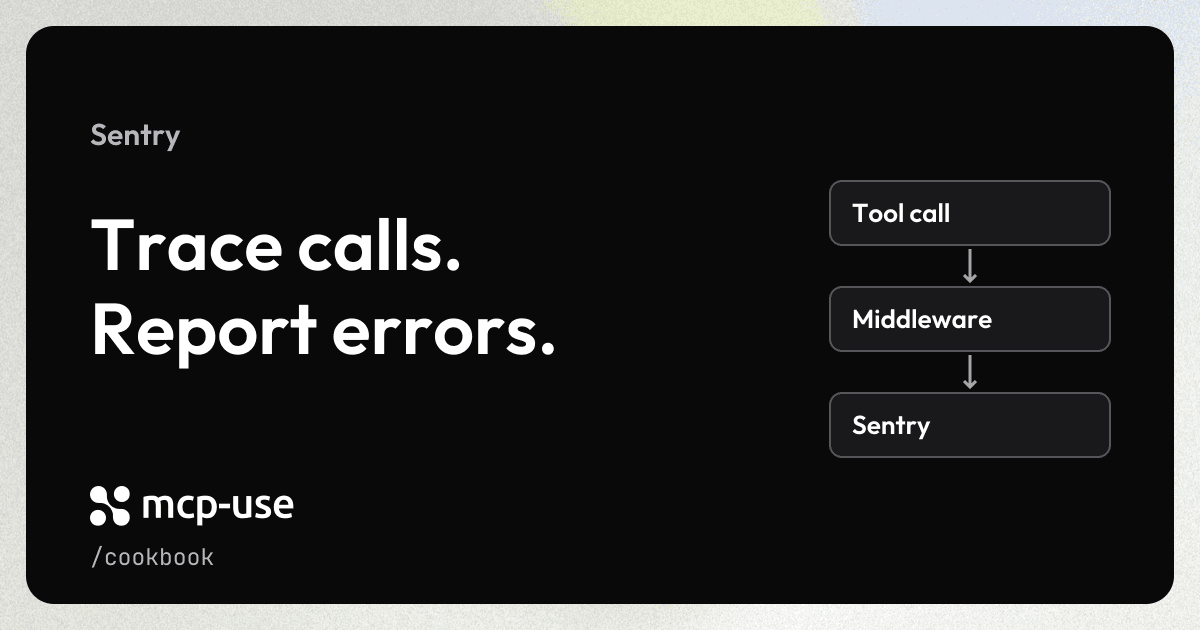
Add Sentry tracing and error reporting to your existing Node.js mcp-use server. Each tool call gets a span with its tool name and duration. Returned tool errors and thrown exceptions also appear in Sentry Issues.
This recipe uses MCP middleware, so it does not need access to mcp-use's internal SDK instances. It monitors tool callbacks; it is not a replacement for instrumentation of the full HTTP transport or every MCP operation.
Try the live example
Select monitored_report, choose an outcome, and click Execute. Try success for a report, tool_error for a returned tool error, and exception for a thrown exception. No chat model or API key is needed to use the demo.
Open the example in a new tab.
This hosted demo sends traces and intentional errors to Manufact's demo Sentry project. The tool result is visible here; run your own copy with your DSN to inspect the corresponding issues and traces in your Sentry account.
Prerequisites
- A working mcp-use server running on Node.js.
- A Sentry project and its DSN, available under Project Settings → Client Keys (DSN).
The demo tool runs locally and does not call an LLM or another paid API. Sentry receives the telemetry when a DSN is configured; without one, the tool still works but no events are sent.
Add the integration
Install Sentry in your server project:
npm install @sentry/[email protected]Add your project's DSN to .env:
MCP_USE_SENTRY_DSN=https://your-public-key@your-ingest-host/your-project-idKeep .env out of version control. Initialize Sentry once in your server entry point, then add the middleware below. If your application already initializes Sentry, reuse that initialization rather than calling Sentry.init() again.
Copy this complete example into your server entry (index.ts in a project created with create-mcp-use-app), or keep your existing tools and add the initialization and middleware:
import * as Sentry from "@sentry/node";
import { MCPServer } from "mcp-use";
import { z } from "zod";

Sentry.init({
  dsn: process.env.MCP_USE_SENTRY_DSN,
  tracesSampleRate: 1.0,
  sendDefaultPii: false,
  // Explicit instrumentation keeps this recipe focused on MCP tool calls.
  defaultIntegrations: false,
});

const server = new MCPServer({
  name: "sentry-example",
  version: "1.0.0",
  description: "Trace a successful tool call, a tool error, or an exception.",
});

server.use("mcp:tools/call", (ctx, next) =>
  Sentry.withIsolationScope((scope) => {
    const toolName = ctx.params.name;
    scope.setTag("mcp.tool.name", toolName);

    return Sentry.startSpan(
      {
        name: `tools/call ${toolName}`,
        op: "mcp.server",
        attributes: {
          "mcp.method.name": "tools/call",
          "mcp.tool.name": toolName,
        },
      },
      async (span) => {
        try {
          const result = await next();
          if ("isError" in result && result.isError === true) {
            span.setStatus({ code: 2, message: "internal_error" });
            span.setAttribute("mcp.tool.is_error", true);
            // Capture a stable message, not potentially sensitive tool output.
            Sentry.captureMessage(
              `MCP tool returned an error: ${toolName}`,
              "error"
            );
          } else {
            span.setStatus({ code: 1 });
          }
          return result;
        } catch (error) {
          span.setStatus({ code: 2, message: "internal_error" });
          Sentry.captureException(error);
          // Preserve normal MCP error handling instead of hiding the failure.
          throw error;
        }
      }
    );
  })
);

/** Exercise success, returned tool errors, and thrown exceptions in Inspector. */
export const monitoredReport = server.tool(
  {
    name: "monitored_report",
    description:
      "Generate a sample report or deliberately fail to test Sentry.",
    inputSchema: z.object({
      outcome: z
        .enum(["success", "tool_error", "exception"])
        .default("success"),
    }),
  },
  async ({ outcome }) => {
    if (outcome === "exception") {
      throw new Error("Demo report service unavailable");
    }
    if (outcome === "tool_error") {
      return {
        isError: true,
        content: [
          {
            type: "text" as const,
            text: "Demo report could not be generated.",
          },
        ],
      };
    }
    return {
      content: [
        {
          type: "text" as const,
          text: "Report generated: 3 orders, total $60.",
        },
      ],
    };
  }
);

/** Sentry example server; the mcp-use CLI owns its HTTP listener. */
export default server;
withIsolationScope keeps each call's error tags separate from concurrent requests. startSpan ends the span when the callback finishes. Returning isError: true is a valid MCP result, so the middleware explicitly marks it as failed and reports a stable message. Exceptions are captured and rethrown to preserve normal MCP error handling.
Try it
Start or restart your server so it loads .env:
npm run devOpen the Inspector URL printed by the CLI. Select Tools → monitored_report and try each input:
| Input | MCP result | Sentry result |
|---|---|---|
{ "outcome": "success" } | Sample report | Successful tools/call monitored_report span |
{ "outcome": "tool_error" } | Tool error | Failed span and MCP tool returned an error: monitored_report issue |
{ "outcome": "exception" } | MCP failure | Failed span and Demo report service unavailable exception |
In your Sentry project, look for the transaction/span named tools/call monitored_report in Traces, and the two error types in Issues. Error events have the mcp.tool.name tag. Delivery and indexing are asynchronous; leave the development server running briefly after making the calls.
Adapt it to your server
- Replace
monitored_reportwith your own tools. The middleware covers registered tool callbacks; discovery and failures rejected before callback dispatch are outside its scope. - The demo samples every trace with
tracesSampleRate: 1.0. Choose a suitable sample rate for production traffic. - Tool arguments and returned content are not attached to telemetry. Captured exceptions still include their messages and stack traces; redact sensitive application errors using Sentry's
beforeSendconfiguration as needed. defaultIntegrations: falseintentionally disables automatic integrations for this focused example. Applications that already use Sentry should retain their existing setup and check for overlapping error capture. Automatic HTTP/database instrumentation has additional initialization requirements; this recipe only demonstrates explicit spans.- For a long-running Node server, let Sentry send in the background. For a short-lived script, await
Sentry.flush(2000)before exit. Serverless deployments need their platform's supported lifecycle integration so queued telemetry can finish; do not assume a returned HTTP response keeps the process alive.
See the complete Sentry example for the runnable project and tests, Sentry's custom instrumentation guide and error capture documentation. This example uses the public middleware API; Sentry's wrapMcpServerWithSentry targets underlying MCP SDK instances and should not be applied directly to the outer mcp-use server.
FAQ
About the cookbook, mcp-use, and Manufact Cloud.
What is the difference between mcp-use and Manufact?
mcp-use is our open-source TypeScript framework for building MCP servers and apps. Manufact is the company behind mcp-use. Manufact Cloud is our managed platform for deploying and operating MCP servers. Most cookbook recipes use mcp-use.
Do I need Manufact Cloud to use these recipes?
No. You can run mcp-use locally or host it on your own infrastructure. Follow each recipe's runtime requirements and setup instructions. Any third-party services used in a recipe may require their own accounts or API keys. Manufact Cloud is an optional hosting choice.