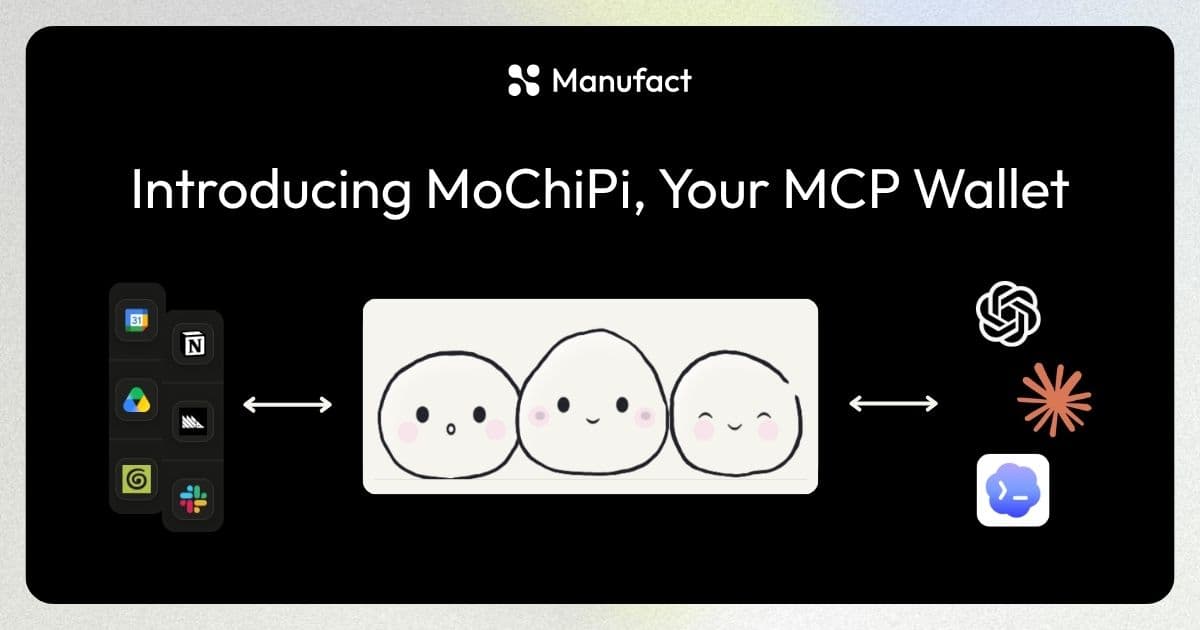
This weekend we wanted to try OpenCode and got tired of reconnecting our 20+ MCPs. So we built MoChiPi, the personal wallet that takes your MCPs anywhere.
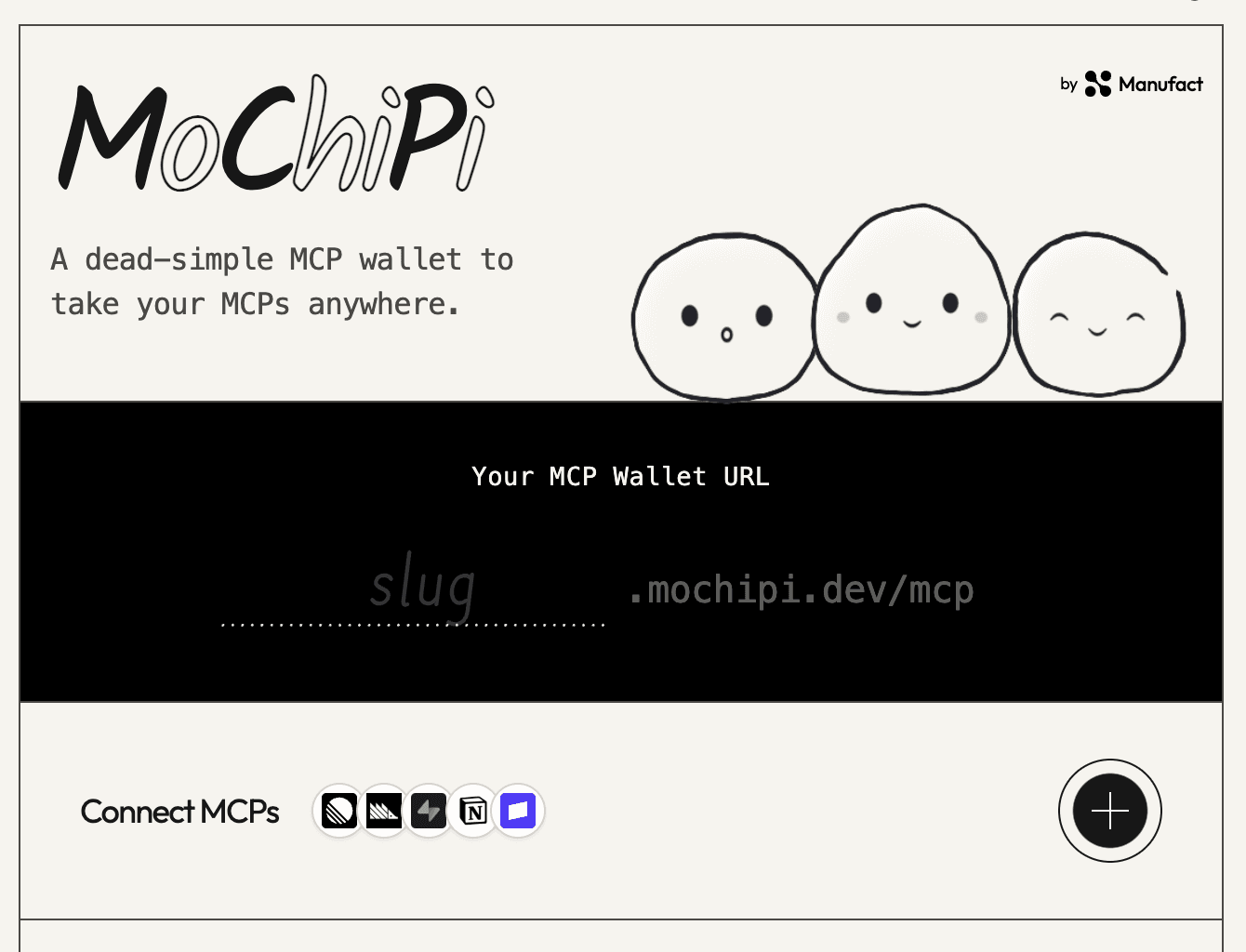
What is MoChiPi?
MoChiPi is a hosted MCP server that bundles all of your other MCP servers behind one personal URL.
To any MCP-compatible client (ChatGPT, Claude, Cursor, OpenCode, etc.), your wallet at slug.mochipi.dev/mcp looks like a single ordinary server. Behind that endpoint, MoChiPi plays the client role. It runs the OAuth flow for each service you connect, stores the credentials, merges every tool into one namespaced list, and routes each call to the right upstream server. For example, linear.create_issue goes to Linear no matter which app you called it from.
Connect a service once and it works everywhere you work. When you switch to a new client, you paste one URL instead of rebuilding your whole setup.
How to set up and use MoChiPi
Setup takes about a minute.
Claim your wallet URL
Head to mochipi.dev and enter your slug. Whatever you
choose becomes your wallet's address: yourhandle.mochipi.dev/mcp. This is
the only URL you'll ever give to an AI app. You'll be prompted to claim the
handle by logging into your Manufact account.
Connect your MCPs
Hit + and pick a service: Linear, Notion, Supabase, PostHog, Stripe, or any MCP server you trust. You'll go through that service's own sign-in, the same OAuth screen you'd see connecting it anywhere else. Once it's connected, its tools are live in your wallet.
Add your URL to any client
In Claude, ChatGPT, Cursor, OpenCode, or any MCP-compatible app, add a custom connector and paste your wallet URL. Every service in your wallet is now available in that app. Connect a new service later and it's served through the same URL, so there's nothing to reconfigure per client.
From then on, using it is invisible. Ask your AI to file a Linear ticket or query Supabase and your wallet routes the call to the right service. If a connection expires, your wallet flags it and you re-authenticate once, in one place (instead of in every app). You stay in control throughout since every connection is visible in your wallet at mochipi.dev and can be removed at any time.
Is it secure?
Yes. Your wallet URL is an address, not a key. Access is gated by your Manufact account. You log in to manage connections, and clients must be authorized before your wallet serves them anything.
When you connect a service, MoChiPi never sees your password. You sign in on that service's own OAuth screen, and your wallet stores only the resulting token. It's scoped to what the service granted, and is revocable at any time. Removing a connection in your wallet cuts MoChiPi's access to that service immediately.
One caveat that applies to all of MCP, not just us: a connected server can do whatever its tools allow, so only connect servers you trust.
Will hundreds of tools bloat my context?
No. Modern clients populate context dynamically, loading only the tools relevant to the task at hand rather than your entire wallet into every prompt. In practice, asking Claude to file a ticket pulls in the Linear tools it needs and leaves your other connectors untouched. Your wallet can hold everything you use without your prompts paying for it.
What can I connect?
Anything that speaks MCP. Browse the built-in catalog of public connectors (Linear, Notion, Supabase, PostHog, Stripe, and many more) and connect them in a click. Or, paste the URL of any MCP server: your company's internal server, something you built this morning, or whatever launched on X today. If it speaks the protocol, it fits in your wallet.
Get started
Claim your handle at mochipi.dev before someone else takes it, connect your MCPs once, and take them with you to whatever client you're trying this weekend. Happy mochi-ing!
MoChiPi is built by Manufact, the fastest way to build, deploy, and maintain MCP servers and apps.